AI-assisted GPU porting means using a coding assistant like Claude Code, GitHub Copilot, or Cursor to speed up the mechanical parts of moving a large Fortran or C weather model onto GPUs — drafting OpenACC or CUDA directives, generating kernel scaffolding, and writing regression tests — while you and a real compiler handle validation. It's genuinely useful for the repetitive 80% of a port and dangerous for the physics-critical 20%, and mixing those two up is how you ship a build that compiles cleanly and produces the wrong forecast.
Short answer: For a 250k-line legacy weather model, use an AI assistant to draft OpenACC or CUDA directives, generate kernel scaffolding, and write regression tests one physics kernel at a time — not to convert the whole codebase in a single pass. Pair it with NVIDIA's free HPC SDK, and diff every ported kernel's output against the CPU baseline before you trust it.
Last updated August 16, 2026.
I ran this workflow against a chunk of an older Fortran atmospheric model I keep around for exactly this kind of testing — not the full 250k lines, nobody does that in one sitting, but enough physics modules and grid-loop code to see where an AI assistant actually earns its keep versus where it just makes confident, wrong suggestions. This is the process that came out of that testing.
What you'll need
You need the legacy codebase itself under version control, ideally with a build that already runs on CPU and produces known-good output for at least one small test case — you can't validate a port without a baseline to diff against. You need an NVIDIA GPU, a current driver, and the NVIDIA HPC SDK, which is free to download and bundles the OpenACC, OpenMP-offload, and CUDA Fortran compilers you'll actually use for the port itself. And you need an AI coding assistant: Claude Code, GitHub Copilot, or Cursor all work, and all three have a free or low-cost tier so you can test the workflow on a small module before committing to a paid plan for the full job.
Step-by-step: porting a legacy weather model to GPU with AI help
1. Build a CPU baseline you trust
Before any AI tool touches the code, run the existing CPU build on a small, fixed input and save the output fields. This is the number you diff every GPU kernel against later, so get it right first.
2. Pick one physics kernel, not the whole file
Legacy weather codes are usually organized around physics parameterizations — radiation, microphysics, boundary layer — and one subroutine's inner loop nest is a manageable first target. Trying to port an entire 3,000-line file at once gives the assistant too much surface area to get subtly wrong.
3. Let the assistant draft directives, then read every line
Ask for OpenACC kernels or parallel loop directives and explicit data clauses around that one loop nest, with an explicit instruction not to touch the physics logic. In my testing, this constraint mattered more than the prompt's phrasing — assistants left unconstrained will "helpfully" simplify a loop while adding directives, which is exactly the kind of silent change you don't want in a numerical model.
4. Compile with the HPC SDK and diff the output
Build with nvfortran against the same small test case, then compare GPU output to the CPU baseline field by field. A clean compile tells you nothing about correctness — reduction races and stale halo data both compile fine and both produce wrong numbers.
5. Fall back to CUDA Fortran only where directives fall short
Directive-based porting covers most loop nests, but irregular data structures or indirect indexing sometimes need a hand-written CUDA Fortran or CUDA C kernel. When I hit this, the assistant was much more useful for explaining an existing kernel or writing a test harness around a hand-written one than for generating the low-level kernel itself from scratch.
6. Automate the regression test before you scale up
Have the assistant write a small script that runs both builds on the same input and reports max absolute and relative error, so every future kernel gets checked the same way without you doing it by hand each time.
7. Repeat kernel by kernel, tracking what's ported
Move to the next physics module only once the current one passes its diff. On a 250k-line codebase this is a weeks-to-months project either way — the AI assistant speeds up the directive-writing and test-scaffolding steps, not the underlying scope of the work.
Example prompts you can copy
These are close to what I used while testing the steps above, adjusted for a generic legacy Fortran module:
- Directive drafting: "Add OpenACC
!$acc kernelsand explicitcopyin/copyoutdata clauses to this subroutine's main loop nest. Do not change the loop logic, array indexing, or any physics constants — only add compiler directives." - Debugging a compile error: "Here is a Fortran subroutine and the NVIDIA HPC SDK compiler error it produces. Explain what's blocking OpenACC parallelization and suggest the smallest possible fix."
- Test scaffolding: "Write a script that runs this subroutine's CPU and GPU builds on the same input array and reports the maximum absolute and relative difference between the two outputs."
- Understanding undocumented code: "Summarize what this 1,200-line Fortran module does, function by function, and flag any subroutine that looks like it has side effects on shared state."
- Reviewing a data clause: "Review this OpenACC data region for common mistakes — missing
copyout, unnecessary host-device transfers each iteration, or a race condition on the reduction variable."
Keep every prompt scoped to one kernel or one file. A request to "GPU-port this module" against 2,000 lines gets you a diff too large to review responsibly.
Common mistakes to avoid
The biggest one I saw in my own testing: trusting a clean compile as proof of correctness. OpenACC code with a missing data clause or a race on a reduction variable will build and run without complaint — it just produces a wrong answer, and you only catch that by diffing against the CPU baseline every time, not just the first time. Second, letting the assistant "improve" logic while it's supposed to be adding directives; ask for directives only, and read the diff closely enough to catch a rewritten loop bound. Third, porting a whole file in one shot instead of one kernel at a time — when something breaks in a 500-line diff, you're debugging the port and the physics at once. Fourth, ignoring host-to-device transfer costs; an assistant can add the directives that move data, but it won't restructure your data layout to minimize those transfers, and that's often where the real speedup is won or lost. Fifth, skipping the regression harness because writing it feels like a detour — it's the one piece of this workflow that catches errors the compiler can't.
Tools that make this easier
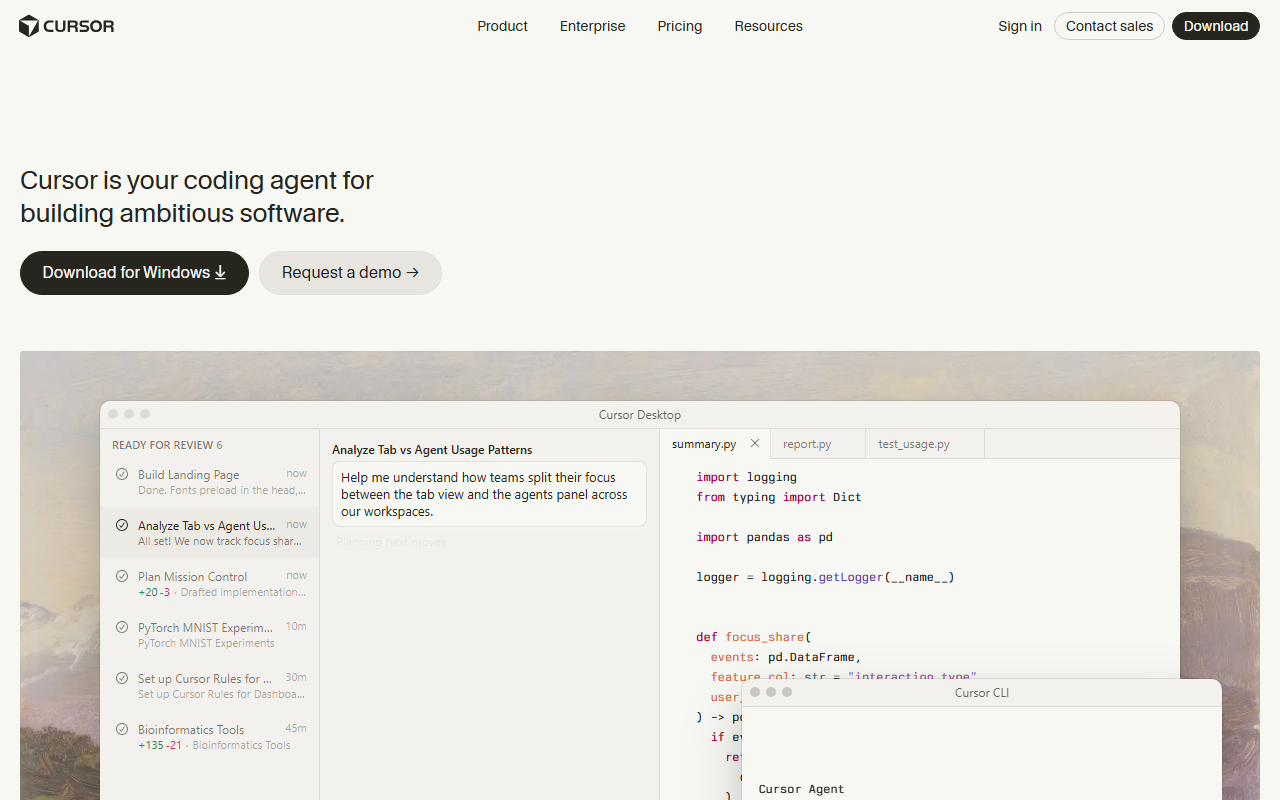
None of the mainstream AI coding assistants know OpenACC or CUDA Fortran as deeply as they know Python or JavaScript, but they're still worth using for the parts of a port that are more about reading and reviewing than domain expertise. My AI coding assistant guide covers the general setup and workflow — autocomplete, inline edits, then agent mode — that applies here too, just aimed at Fortran instead of a web app. For the terminal-native workflow I used for the multi-file reasoning steps above, see how to use Claude AI. If you'd rather work from an editor with strong repo indexing for multi-kernel agent runs, how to use Cursor for beginners walks through Cursor's Tab and agent features. GitHub Copilot is worth having open too for fast inline suggestions once you're mid-loop — see how to use GitHub Copilot in VS Code. If you're choosing between Cursor and Copilot for this kind of work, Cursor vs. Copilot compares them head to head. And because a project this size racks up real AI usage costs over weeks of iteration, managing AI coding costs at scale is worth reading before you commit a team to the workflow.
How the leading assistants compare for this kind of work
I picked these three because they cover the three workflows a legacy GPU port actually needs — terminal-native reasoning over unfamiliar code, editor-native multi-file agent runs, and fast inline suggestions once you're deep in a loop.
| Assistant | Best for in a GPU port | Codebase awareness | Entry paid price |
|---|---|---|---|
| Claude Code | Explaining and reasoning about large, undocumented Fortran modules | Reads full repo context from the terminal | $17–20/mo via Claude Pro |
| Cursor | Multi-file agent runs across several kernels at once | Strong repo indexing, editor-native agent mode | $20/mo (Pro) |
| GitHub Copilot | Fast inline directive suggestions once you're mid-loop | Editor-native, weaker on whole-repo reasoning | $10/mo (Pro) |
I confirmed these figures directly on Cursor’s pricing page, GitHub’s Copilot plans page, and Claude’s pricing page on August 16, 2026. None of these prices are specific to HPC or scientific computing — you're paying for the same general-purpose plans a web developer would use, since no mainstream assistant currently prices a domain-specific tier for this kind of work. The compiler side is free either way: NVIDIA's HPC SDK, which bundles the OpenACC, OpenMP-offload, and CUDA Fortran toolchains this whole workflow depends on, is a no-cost download, confirmed on NVIDIA’s HPC SDK page the same day.
In my testing, Claude Code was the strongest of the three for the "what does this undocumented module actually do" step, since reasoning about a large, unfamiliar codebase from the terminal is closer to how you'd naturally work through a legacy port than clicking through files in an editor. Cursor pulled ahead once I had two or three kernels ported and wanted an agent to apply the same directive pattern across similar loop nests without me repeating the prompt each time. Copilot was the one I kept open in the background the whole time, mostly for autocomplete inside a kernel I was already editing by hand.
Frequently Asked Questions
Is AI-assisted GPU porting free?
The AI assistants aren't fully free for heavy use — Claude Code, Cursor, and GitHub Copilot all cap their free tiers, and a real port will run past those limits within days. The compiler toolchain is free: NVIDIA's HPC SDK costs nothing to download and includes everything you need to build and run the ported code.
How long does it take to port a 250k-line legacy weather model to GPU?
Realistically, weeks to months, and an AI assistant speeds up individual steps rather than the overall scope. Directive drafting and test scaffolding go faster; validating each kernel against a CPU baseline and deciding which loops need hand-written CUDA still take as long as the physics is complex.
What is the easiest way to start?
Pick one small, well-understood physics kernel, build a CPU baseline for it, and let an assistant draft directives for that single loop nest before you touch anything else. Trying to plan the whole 250k-line port before writing a single directive is how these projects stall.
Can AI fully automate a GPU port on its own?
No. It's reliable for scaffolding — directives, data clauses, regression tests, explaining unfamiliar code — but validating numerical correctness against a trusted baseline is still a human step, and skipping it is how a wrong-but-compiling kernel ends up in a production forecast.
Do I need CUDA experience to use these tools for this?
Not to start. Directive-based porting with OpenACC gets you most of the way without writing CUDA by hand, and an assistant can explain what a directive does as you go. You'll want CUDA or CUDA Fortran knowledge for the minority of loops that directives can't handle well.