If you are coding with ChatGPT and hitting its limits, the best alternatives in 2026 are Cursor, GitHub Copilot, and Claude Code — each stronger than a chat window for real development work. ChatGPT is fine for explaining a concept or drafting a function, but dedicated coding tools live inside your editor or terminal, understand your whole repository, and can make multi-file changes and run tests.
Short answer: For most developers, Cursor Pro ($20/month) is the best single-tool value and GitHub Copilot Pro ($10/month) is the cheapest solid always-on assistant. For terminal-centric, senior-level work, Claude Code is the strongest. If you want the cheapest path, bring-your-own-key tools like Aider or Cline cost roughly $2–5/month in API usage.
Disclosure: AISagely may earn a commission if you sign up through some links here, at no extra cost to you. It never changes the recommendation — I flag the cheapest and free paths too.
I am an AI/ML master's student and I use these tools on real code most days. Below is how the 2026 landscape actually shakes out, with current pricing and honest tradeoffs. Prices in this space change fast and mix subscriptions, credits, and usage-based billing, so treat these as recently-checked public prices, not permanent guarantees.
How I tested these tools
Everything below reflects hands-on use on real repositories, not demo projects. In my testing I gave each tool the same three jobs: a small feature added across multiple files, a debugging session on code I did not write, and a refactor with the test suite as the referee. I paid attention to how often the tool got a change right on the first pass, how much context it needed before it stopped making confident mistakes, and what a week of normal use actually cost — because with usage-based billing, the sticker price and the real bill are not the same thing.
Benchmarks are a useful signal, but the day-to-day questions decide which tool survives on a machine: does it break my tests, does it respect the project's conventions, do I trust it on files I care about. Those are the questions the rankings below answer.
Why leave ChatGPT for coding
ChatGPT is a chat window. It does not see your codebase, cannot edit files directly, and loses track of a large project across a conversation. The 2026 coding tools are agents, not just autocomplete: they understand a repository, make multi-file changes, run tests, and iterate on a task with minimal input. That difference — working inside your actual project instead of copy-pasting snippets back and forth — is why developers switch. ChatGPT still has a place for quick explanations — my guide to ChatGPT’s free plan covers what it handles well without paying — and its Codex agent is now bundled across ChatGPT plans, but for sustained development the dedicated tools win.
Top alternatives at a glance
| Tool | Best for | Entry price | Shape |
|---|---|---|---|
| GitHub Copilot | GitHub-native teams | $10/mo (Pro) | Editor extension |
| Cursor | AI-first VS Code workflow | $20/mo (Pro) | AI-native IDE |
| Claude Code | Terminal, senior engineering | Usage-based / plan | CLI agent |
| Windsurf | Agentic IDE, quotas | $20/mo (Pro) | AI-native IDE |
| Aider / Cline (BYOK) | Cheapest, light use | ~$2–5/mo API | CLI / extension |
Best value: Cursor
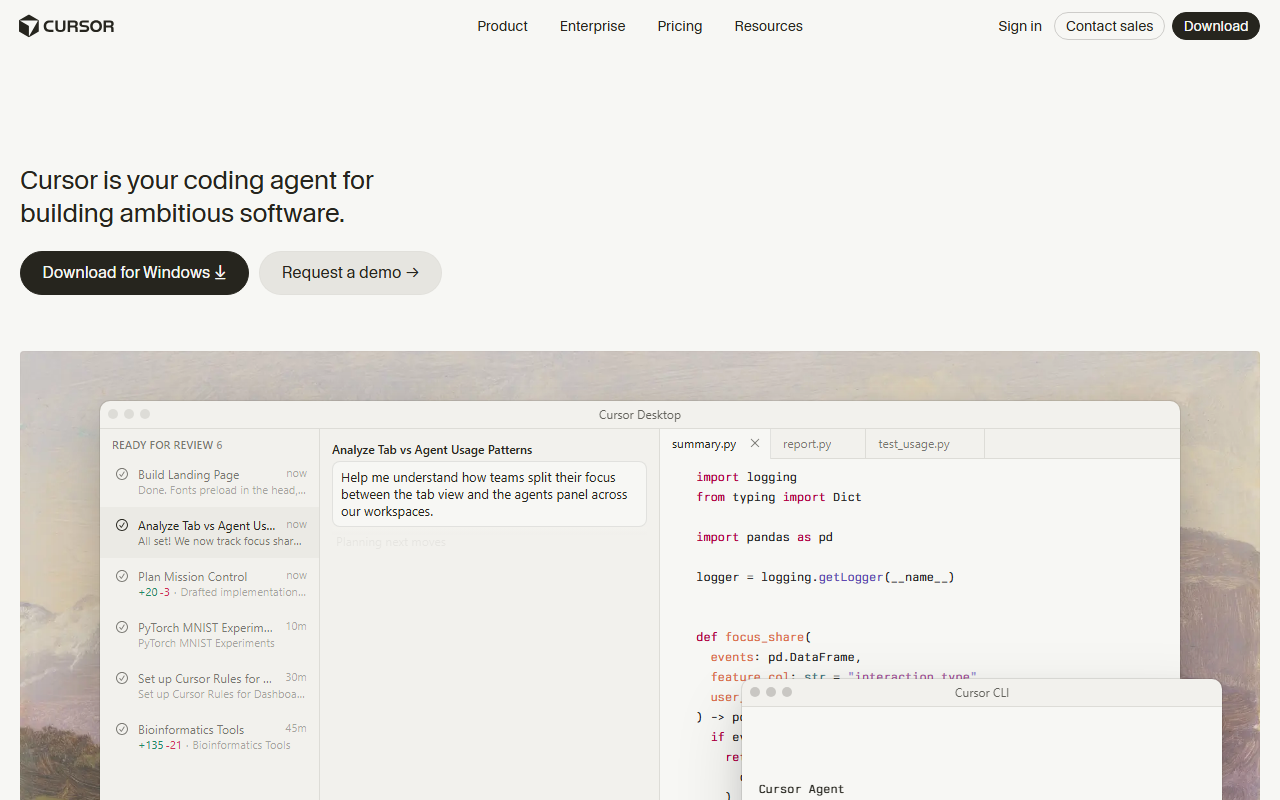
Cursor is the tool I would hand most developers first. It is an AI-native fork of VS Code, so it feels familiar, and its Pro plan at $20/month (or $16/month annually) is widely considered the best single-tool value in the category. The reason is Auto mode, which is unlimited on Pro and picks a capable model for you — so you are not metering every request. For day-to-day feature work and refactors inside a real project, it is hard to beat at the price. Try Cursor here: Try Cursor →.
Cheapest solid pick: GitHub Copilot
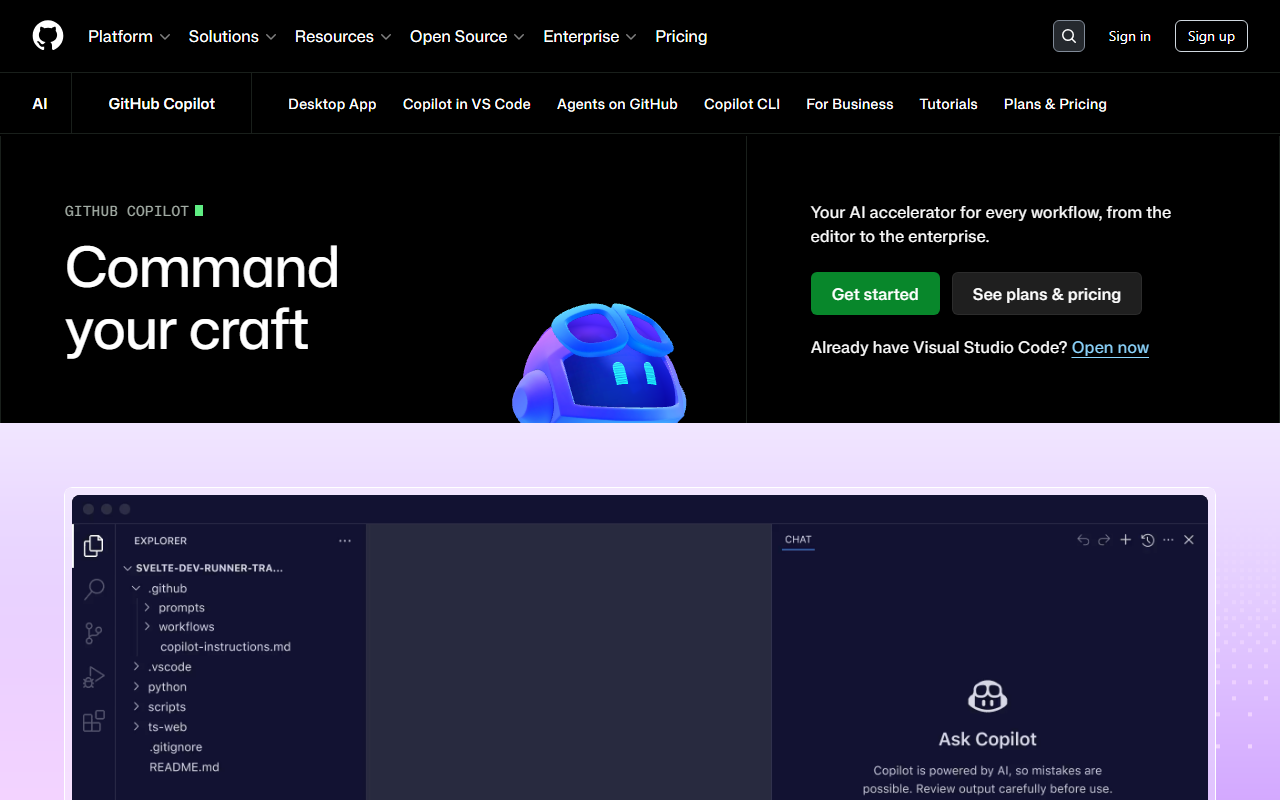
If you live in GitHub and want the lowest-cost always-on assistant, GitHub Copilot Pro at $10/month is the value pick, with Pro+ at $39/month and higher tiers above. It is excellent as always-on completion and quick in-editor chat, and it is the natural fit for GitHub-native teams.
One honest caveat on the business side: promotional credits are currently masking the real cost — Business and Enterprise plans carry extra monthly credits through August 2026, and the true baseline (Enterprise is effectively around $60/user/month once the required GitHub Enterprise Cloud subscription is included) only shows up afterward. For an individual, though, $10/month Pro is a genuinely good deal. Try Copilot here: Try Github Copilot →.
Best for serious engineering: Claude Code
Claude Code is the pick for terminal-centric, senior-level work. On capability it has posted strong results — around 80.8% on SWE-bench Verified — and it has become one of the most-used AI coding tools among professional engineers. It shines on multi-file reasoning, debugging, and large refactors driven from the command line.
The one thing to watch is cost predictability. Used via API keys, billing is usage-based and can spike — a single complex debugging session with a top model can burn 500K+ tokens and $15+ in one sitting. If you go this route, keep an eye on usage or use a fixed plan. For heavy daily users, a flat subscription usually beats per-token billing. Try Claude Code here: Try Claude Code →.
The dark horse: Windsurf
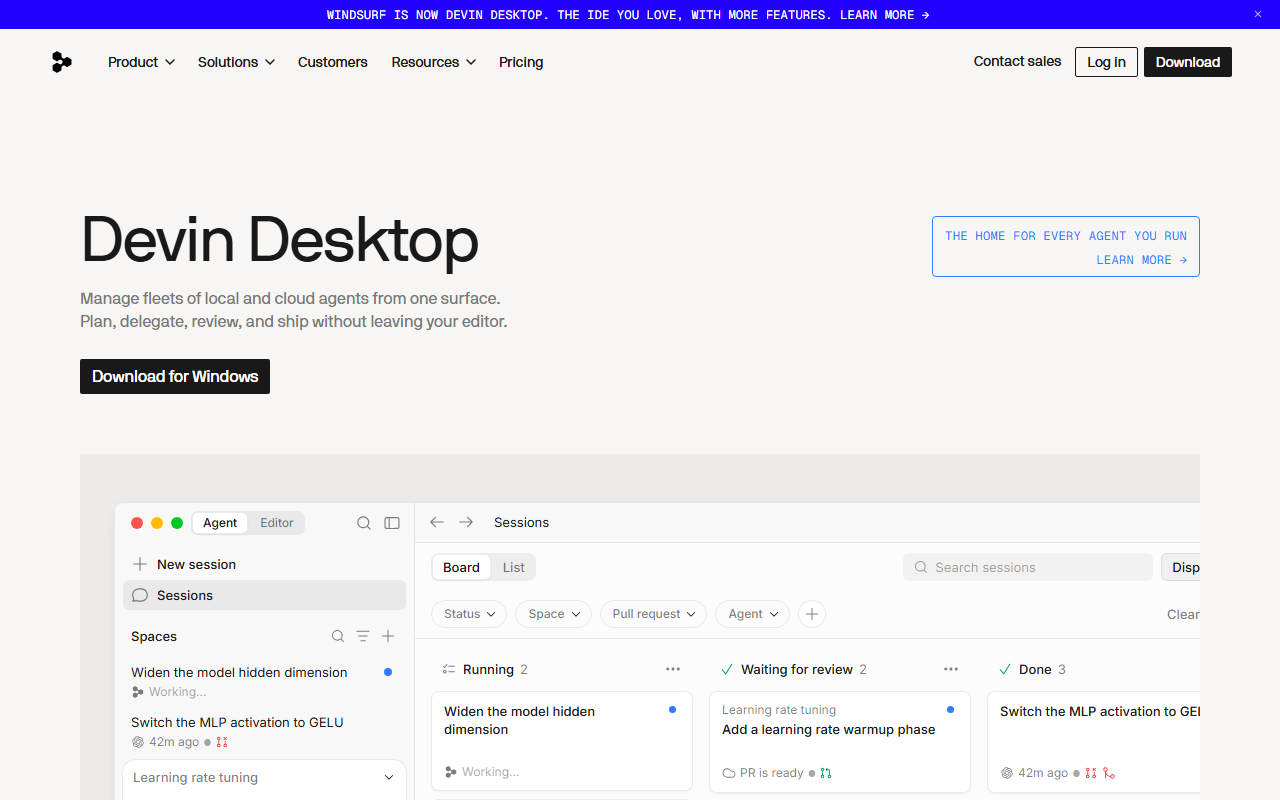
Windsurf sits in the same lane as Cursor — an AI-native IDE whose agent plans and edits across files — at the same $20/month Pro entry point. Its agent, Cascade, is genuinely pleasant to work with, and some developers find the editor lighter and less cluttered than Cursor. The reasons it ranks below Cursor here are practical rather than technical: its plans meter usage through credit quotas that heavier users report hitting mid-month, and the company has been through enough ownership turbulence that its long-term direction is harder to predict than its rivals'. It is still worth a look if Cursor's interface does not click for you — both have trials, and the switching cost between them is nearly zero since both are VS Code forks. Try Windsurf here: Try Windsurf →.
The budget path: bring your own key
The cheapest option is a bring-your-own-key (BYOK) terminal agent like Aider, Cline, or Continue. The tool itself is free or nearly free to install, and you pay the model API directly per token. For light use that lands around $2–5/month, and these can deliver near-premium results if you are careful with context. The tradeoff is more setup and less polish than Cursor or Copilot, plus a variable bill. For occasional coders, though, BYOK is genuinely the cheapest way to get strong AI help.
If you are still weighing whether you even need to leave ChatGPT, my guide on how to use ChatGPT for free covers what its free plan can and cannot do for code.
Which billing model fits you
The sticker price hides the real cost because the model underneath varies. The practical rule: heavy daily users usually win with an unlimited or flat subscription (Cursor Pro, Copilot Pro), while occasional users often pay less with BYOK. And with agentic tools, token efficiency matters — a tool that gets it right on the first pass with fewer retries can be cheaper than one with a lower sticker price that needs three attempts.
A sober note on expectations: independent research across 400+ organizations found a median pull-request throughput gain of about 7.76% — meaningful and worth it, but nowhere near the 10x some marketing implies. These tools make you faster; they do not replace understanding your own code.
How to switch without losing a week
Move over gradually instead of declaring a new workflow on Monday. Keep ChatGPT open for what it is genuinely good at — explaining unfamiliar concepts and rubber-duck debugging — and give the new tool one real repository, not a toy project, because repository context is exactly what you are paying for. Spend the first days on small, reversible tasks: rename something across files, add a test, fix a known bug. You will learn the tool's habits — how it handles your framework, where it gets overconfident — while the blast radius is small.
Commit before every agent run, so an overeager change is one git reset away from gone. And give the tool two weeks before judging it: the first days with any agentic assistant are slower while you learn what to delegate and what to keep for yourself. If after two weeks it is not clearly saving time on work you already do, cancel and try the next one — most ChatGPT alternatives for coding have a trial or a cheap first month, so auditioning them costs little.
My verdict
For most developers, the best setup in 2026 is Cursor Pro at $20/month as your main environment, or GitHub Copilot Pro at $10/month if you want the cheapest always-on helper and live in GitHub. Choose Claude Code if your work is terminal-centric and complex, and watch the usage bill. If you code only occasionally, skip subscriptions entirely and use a BYOK tool like Aider for a couple of dollars a month. Fit matters more than raw benchmark scores — pick the tool that matches how you already work.
For the writing side of your toolkit rather than code, see my ranked best AI writing tools guide, my full Jasper review if you want the strongest brand-voice writer, or the Jasper vs Copy.ai comparison if you are choosing between the two biggest writers.
Frequently Asked Questions
What is the best ChatGPT alternative for coding?
For most developers, Cursor is the best all-round alternative because of its unlimited Auto mode at $20/month. GitHub Copilot Pro at $10/month is the cheapest solid choice, and Claude Code is strongest for terminal-based senior engineering work.
Is GitHub Copilot better than ChatGPT for coding?
For sustained development, yes — Copilot works inside your editor and understands your files, while ChatGPT is a separate chat window you copy-paste into. ChatGPT is still handy for quick explanations, but Copilot fits real coding workflows better.
What is the cheapest AI coding assistant?
Bring-your-own-key tools like Aider, Cline, or Continue are the cheapest — free to install, paying only the model API per token, which lands around $2–5/month for light use. GitHub Copilot Pro at $10/month is the cheapest flat subscription.
Can I use AI coding tools for free?
Partly. Copilot has limited free access, ChatGPT's Codex agent is bundled across plans including some free use, and BYOK tools are free to install (you pay only API usage). Free tiers are fine for trial and light work, but heavy users will want a paid plan.