AI coding agent skills for real engineers means packaging the instructions you keep retyping — your deploy checklist, your API conventions, your test-writing rules — into a file the agent loads on its own, instead of pasting the same paragraph into chat every session. Claude Code, GitHub Copilot, and Cursor all support some version of this now, and they're converging on the same open format.
Short answer: An agent skill is a folder with a
SKILL.mdfile: a short YAML description plus markdown instructions, optionally with scripts or reference docs attached. The agent reads the description at all times and loads the full body only when a task matches it. Claude Code, GitHub Copilot, and Cursor all support the format, so one skill can work across tools with minimal changes.
I spent a week converting a personal CLAUDE.md file — the kind that grows past 400 lines and slows every session down — into five separate skills, then tested whether the same files worked without edits in a Copilot-enabled VS Code project. Three did, unchanged. Two needed their frontmatter trimmed because I'd used fields Claude Code accepts that the open spec doesn't. Below is the setup that worked, the mistakes that cost me the most rework, and where each tool's skill support currently stands.
What you'll need
You need an agent that supports the Agent Skills format — Claude Code, GitHub Copilot's agent mode, or Cursor's newer customization panel all qualify, and any plain text editor is enough to write the file itself. You don't need a plugin system or a build step; a skill is just a directory with a SKILL.md file inside it, so version control treats it like any other source file. What you do need before starting is a real, recurring instruction to package — a procedure you've pasted into chat three or four times already, not a hypothetical one. Skills earn their keep on repetition; writing one for a task you'll do once is wasted effort. Budget twenty minutes for your first skill and half that for every one after, once the pattern clicks.
Step-by-step: AI coding agent skills for real engineers
1. Pick a real, repeated instruction
Look through your recent chat history for anything you've explained to the agent more than twice — how your team names test files, the steps for cutting a release, a checklist for reviewing a migration. In my testing, the CLAUDE.md sections that had grown into numbered steps rather than plain facts were the strongest skill candidates; a fact belongs in memory, a procedure belongs in a skill.
2. Create the skill folder and write the description first
For a personal skill available across projects, make a directory under ~/.claude/skills/<skill-name>/; for one scoped to a single repo, use .claude/skills/<skill-name>/ at the project root. Inside it, create SKILL.md with YAML frontmatter between --- markers. Write the description field before anything else — it's the only part that stays loaded in context all the time, and it's what the agent reads to decide whether your skill applies to the current task. A vague description ("helps with deploys") gets skipped; a specific one ("deploy the application to staging or production, given a target and a version tag") gets picked up.
3. Keep the frontmatter portable
If you plan to reuse the skill outside Claude Code — in Copilot or on claude.ai — stick to the six fields the open Agent Skills spec actually allows: name, description, license, compatibility, metadata, and allowed-tools. Claude Code accepts extra fields too, like disable-model-invocation to stop the agent from triggering a skill on its own, or context: fork to run it in a subagent, but those are Claude Code extensions. When I tried uploading a skill with an argument-hint field to a spec-only tool, it failed outright instead of quietly ignoring the field — trim first, add extensions later.
4. Write the body as instructions, not narration
Under the frontmatter, write what the agent should do, in imperative steps, not a description of what the skill is for — that belongs in the description field already. Keep it tight: once a skill loads, its content stays in context for the rest of the session, so every extra sentence is a recurring cost. If you have supporting material — a long API reference, example files — save those as separate files in the same folder and link to them from SKILL.md, so they load only when actually needed.
5. Test both invocation paths
Ask a question that should match your skill's description in plain language, and separately, invoke it directly by name. In Claude Code that's typing /your-skill-name; in Copilot it's letting agent mode discover the skill from your repo or profile. When I tested a skill with a description that only mentioned "deploying," it didn't fire on a prompt about "shipping a release" — broaden the description to cover the words people actually use, not just the one you'd pick yourself.
6. Commit project skills, keep personal ones local
A skill scoped to one team's conventions belongs in .claude/skills/ inside the repo, checked into version control so every teammate's agent picks it up automatically. A skill about your own habits — how you like commit messages phrased, your personal testing checklist — stays in your personal skills folder and never needs to leave your machine.
Example prompts you can copy
These aren't prompts you type into the skill itself — they're what you type in chat to test that a skill written well actually triggers:
- Match by description, not exact wording: "Ship the current branch to staging." (Should trigger a
deployskill even if the skill description says "deploy," not "ship.") - Direct invocation:
/code-reviewor/your-skill-name— bypasses the matching step entirely and just runs it. - Ask the agent to draft one for you: "Turn the last three instructions I gave you about our test-naming convention into a SKILL.md file with a clear description."
- Force a scope check: "What skills do you currently have loaded, and why did you pick the ones you used on my last request?"
- Portability check: "Rewrite this skill's frontmatter using only the fields name, description, license, compatibility, metadata, and allowed-tools."
Prompt 3 is the one I use most now — describing what I want a skill to do and letting the agent produce the first draft of SKILL.md gets me 80% of the way there, and I edit the description by hand afterward since that's the part worth getting exactly right.
Common mistakes to avoid
The mistake I made most often early on was writing a description that explained what the skill contains instead of when to use it — "release process notes" tells the agent nothing about which prompts should trigger it, while "deploy the app to staging or production, given a target and version" does. Second, cramming reference material straight into SKILL.md instead of a separate linked file, which means the agent reloads all of it every time even for a task that only needed one section. Third, skipping the direct-invocation test — a skill that only ever loads automatically is one bad description away from silently never firing, and you won't notice until it matters. Fourth, adding tool-specific frontmatter fields to a skill you intend to share across tools, which breaks on any platform that validates against the open spec instead of ignoring unknown keys. Fifth, writing a skill for a one-off task; if you won't repeat the instruction at least three times, a skill is more upkeep than the paragraph it replaces.
How agent skills compare across tools
| Tool | Skill format | Where skills live | Free tier includes it | Paid plan starting price |
|---|---|---|---|---|
| Claude Code | SKILL.md (Agent Skills standard + extensions) | ~/.claude/skills/, .claude/skills/, plugins |
Yes, no separate charge | Included with Claude plans |
| GitHub Copilot | SKILL.md (Agent Skills standard) | Repo or user profile, discovered by agent mode | Free plan includes custom instructions and agent mode | Pro at $10/month |
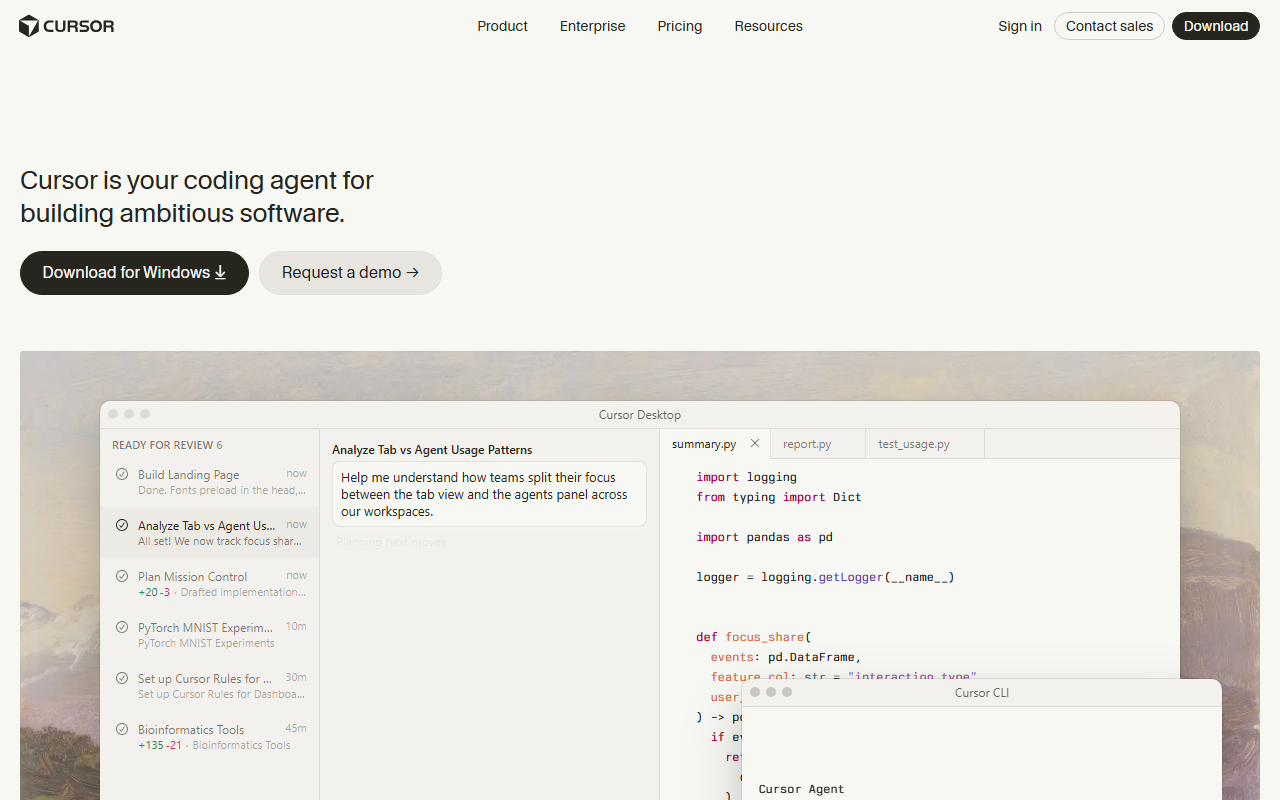
| Cursor | Rules, skills, MCPs, and plugins from one customization panel | Project or account-level, per Cursor's docs | Hobby plan is free | Individual Pro at $20/month |
Cursor's pricing page lists "skills" alongside rules, MCPs, and plugins as things you configure from its customization panel, confirmed on cursor.com/pricing as of September 3, 2026. GitHub Copilot's plans page confirms custom instructions and agent mode are included on every individual tier, including the free one, per github.com/features/copilot/plans, also checked September 3, 2026. Claude Code's skill locations, frontmatter fields, and the open standard they follow are documented at code.claude.com/docs/en/skills.
Tools that make this easier
If you're deciding which agent to build skills for in the first place, my how to use Claude AI guide covers account setup and where Projects fit next to skills, and how to use Cursor AI walks through Cursor's Tab, Cmd+K, and Agent modes that your skills will run inside. For the Copilot side, how to use Copilot in VS Code covers agent mode setup before you add custom instructions on top of it. If you're choosing between Cursor and Copilot as the place to build this workflow, my Cursor vs Copilot comparison tested both on the same brief. For the broader field of coding agents beyond these two, best AI tool for code and ChatGPT alternatives for coding round out the options, including how to use Windsurf, now rebranded as Devin Desktop. And once you're running several skills and subagents regularly, managing AI coding costs at scale is worth reading before your usage climbs past a free or entry tier.
My take
Agent skills are worth building the moment you notice yourself retyping the same instruction a third time — the setup cost is real but small, and it pays back the first session you don't have to explain your deploy steps from scratch. Claude Code currently has the deepest implementation, with subagent execution and dynamic context injection on top of the base spec, but the open Agent Skills standard is the part that matters most long-term: a well-scoped SKILL.md written today should keep working as Copilot and Cursor's own support matures, as long as you resist the urge to lean on tool-specific extensions until you actually need them.
Frequently Asked Questions
Is building AI coding agent skills free?
Yes. Writing a SKILL.md file costs nothing beyond your time, and Claude Code, Copilot's free plan, and Cursor's Hobby plan all support some form of custom instructions or skills without a paid upgrade. You only hit a paywall if the underlying agent itself requires a paid tier for the amount of usage you need.
How long does it take to build a skill for real engineers?
My first skill took about twenty minutes, mostly spent rewriting the description until it matched how I actually phrase requests in chat. Every skill after that took roughly ten minutes, since the folder structure and frontmatter pattern repeat.
What is the easiest way to start with agent skills?
Pick one instruction you've pasted into chat at least three times, write its description before its body, and test it two ways — once by asking a question that should trigger it automatically, once by invoking it directly by name.
Do skills work the same way across Claude Code, Copilot, and Cursor?
Mostly. All three read a SKILL.md-style file with a description and instructions, but Claude Code supports extra frontmatter fields — like running a skill in a subagent — that aren't part of the open spec and won't carry over if you upload the same file elsewhere.
Can a skill call external scripts or just give instructions?
Both. A skill folder can bundle scripts alongside SKILL.md and reference them from the instructions, so the agent runs the script directly instead of only reading prose about what to do.
Last updated: September 3, 2026 · By Vishal Swami, Founder & Lead AI Reviewer, AISagely