An AI writing assistant is software that drafts, edits, or rewrites text for you inside a chat window or your existing editor, and the right one depends on the job — a general model for drafting, a grammar tool for line-editing, or a brand-voice tool for long-form content. Most people only need one of these, not all three.
Short answer: Start with a free AI writing assistant — ChatGPT's free tier or Grammarly's free plan — and only pay once you hit a specific limit. ChatGPT ($20/month for Plus) is best for drafting and rewriting; Grammarly ($12/month for Pro) is best for line-by-line grammar and tone; Jasper (from $59/month) is worth it only for brand-consistent long-form content at scale.
I test AI writing tools most weeks, often running the same brief through three or four of them side by side to see which one actually needs the least cleanup before I'd publish it. In my testing, the biggest mistake isn't picking the wrong tool — it's expecting one tool to be good at drafting, editing, and formatting all at once, when each of those is closer to a different job than people assume. A general model like ChatGPT drafts and reorganizes well but drifts toward generic phrasing unless you steer it. A grammar-focused tool tightens sentences but won't restructure a weak argument. A brand-voice tool holds a consistent style across dozens of pieces but costs real money to get there. Below is how I'd set one up from scratch, the exact prompts I actually use, and where each type of tool quietly falls short once you push past the demo.
What you'll need
Any modern writing assistant starts with an account, and for most tasks a free one is enough. ChatGPT's free tier handled every workflow in this guide when I tested it, with no upgrade required — my guide to ChatGPT’s free plan covers exactly what that tier includes if you haven't used it yet. If your main pain point is grammar and tone rather than drafting from scratch, Grammarly's free plan is a better starting point; it plugs into Google Docs, Gmail, and most browsers instead of living in a separate chat window.
The other thing you need isn't software — it's your own raw material. It's far better at reorganizing your rough notes, an outline, or a first draft than at inventing something convincing from a one-line prompt. Have whatever you're working on ready before you open a chat, even if it's messy.
Step-by-step: setting up your writing assistant
1. Decide what job you actually need done
"AI writing assistant" covers three different jobs: drafting from notes, line-editing existing text, and keeping a brand voice consistent across many pieces. Naming which one you need first saves you from buying a $59/month tool to do what a free one already handles.
2. Start with a free general model
For drafting, rewriting, and summarizing, open ChatGPT (or Claude, which I find slightly stronger on longer, more nuanced pieces) and treat it as your default assistant before paying for anything specialized. In my testing, a free-tier general model handled resumes, emails, blog outlines, and social captions without hitting a hard wall.
3. Feed it real material, not a blank prompt
Paste your actual notes, a rough draft, or the source material you're working from, then ask the assistant to reorganize and sharpen it. When I tested "write me a blog post about email marketing" against "here are my seven rough bullet points on email marketing, turn these into a post," the second version needed roughly half the editing time.
4. Set a voice and length up front
Tell it who the reader is, how long you want the piece, and one or two things to avoid — "no exclamation points," "write like a colleague explaining this, not a brochure." It defaults to a flat, generic tone unless you specify otherwise, and re-prompting after the fact costs more time than setting it up front.
5. Fact-check every number and quote
Read the output against your source material line by line. In my testing, ChatGPT and Jasper both occasionally inserted a specific statistic or percentage that sounded plausible but that I'd never given them. This is the step people skip, and it's the one that actually damages trust if a made-up number ends up published.
6. Upgrade only when you hit a specific limit
If you're publishing dozens of long-form pieces a month and keep re-explaining your brand voice, that's the moment to look at a paid, specialized AI writing assistant like Jasper or Copy.ai rather than sooner. My best AI writing tools roundup breaks down which paid tool fits which limit, with current pricing for each.
Example prompts you can copy
Swap in your own topic, audience, and source material.
- Draft from notes: "Here are my rough notes on [topic]: [paste]. Turn this into a [length]-word [format] for [audience]. Keep my original points; don't add facts I haven't given you."
- Line-edit for tone: "Rewrite this paragraph to sound more direct and less formal, without changing the meaning: [paste]."
- Tighten: "Cut this to [X] words. Tell me what you removed and why, so I can put back anything that mattered."
- Consistency check: "Does this draft contradict itself anywhere, or repeat the same point twice? List the spots, don't rewrite yet."
Common mistakes to avoid
The mistake I see most is starting from a blank, one-line prompt instead of real source material — "write a blog post about productivity" produces generic filler no matter which writing tool you use. The second is skipping the fact-check pass; a confident, fabricated statistic reads exactly like a real one until you check it against your own notes. The third is running a general model and a specialized tool side by side for the same job, which just doubles your editing time for no real quality gain — pick one per task. The fourth, and the one that costs the most money, is upgrading to a paid plan before you've hit an actual limit on the free tier; most people never need to.
Tools that make this easier
Once you know which job you need done, the tool choice narrows fast. Here's how the main options compare on price and fit.
| Tool | Best for | Entry price | Free tier |
|---|---|---|---|
| ChatGPT | Drafting and rewriting, general use | $20/month (Plus) | Yes — full workflow above |
| Grammarly | Grammar, tone, and line-editing in your existing apps | $12/month (Pro) | Yes — spelling/grammar + 100 AI prompts/mo |
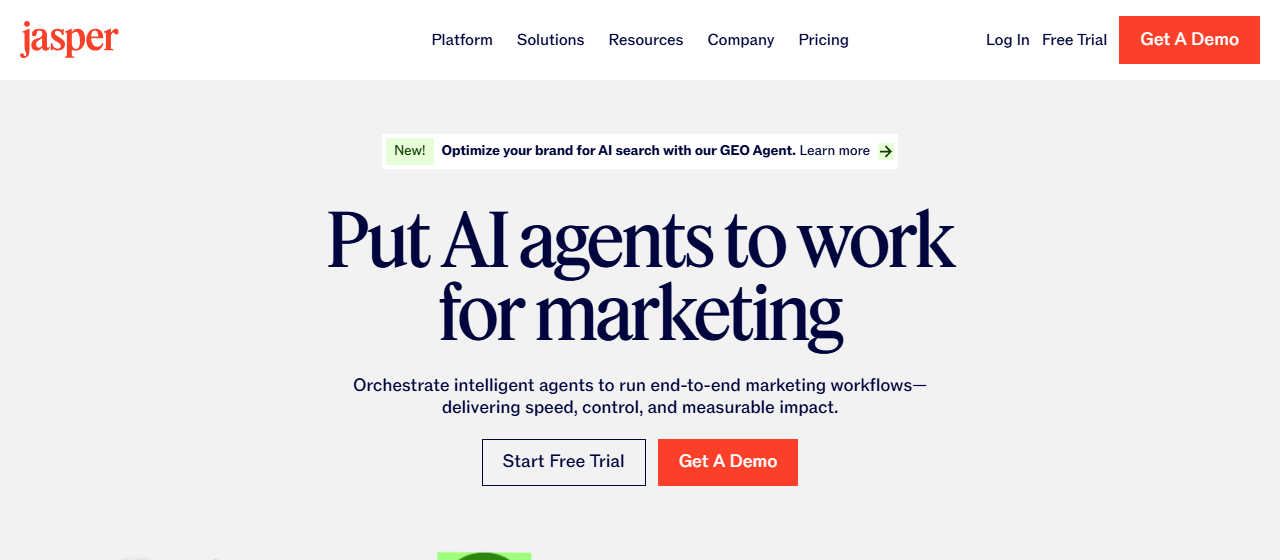
| Jasper | Long-form content with a consistent brand voice | ~$59/month (Pro, annual) | 7-day trial, no free plan |
| Copy.ai | Short copy and go-to-market automation | ~$29/month (Chat, 5 seats) | No permanent free tier |
Prices move, so I checked OpenAI’s pricing page and Grammarly’s plans page this week before writing this — confirm the current number before you buy. For a deeper look at the paid tier, my Jasper review and Jasper vs. Copy.ai comparison cover which one earns its subscription and which doesn't. If your writing leans toward marketing copy and content production specifically, my best AI tool for content creation guide goes further than this one. And if what you actually need is a tone or wording pass rather than a first draft, see my best AI tool for paraphrasing picks — they're built for that single job and often cheaper than a full writing assistant.
My take
A free general-purpose AI writing assistant covers most people's actual needs — the paid, specialized tools earn their price only once you're publishing at real volume or need a brand voice enforced across a team. I'd start every reader on ChatGPT's free tier or Grammarly's free plan, run it for two weeks, and only step up when a specific limit gets in the way. And whatever you use, the fact-check pass in step 5 isn't optional — an honesty issue is one thing when you catch it, and a much bigger one when a reader or client does. If your drafts touch schoolwork or anything that needs to be entirely your own words, read my note on using ChatGPT to write an essay without plagiarizing — the same line applies here: editing your own material with AI help is different from submitting AI-invented content as your own work.
Frequently Asked Questions
Is a good AI writing assistant free?
Yes, for most everyday writing. ChatGPT's free tier and Grammarly's free plan cover drafting, grammar, and tone without a subscription. In my testing, only high-volume, brand-consistent long-form work justified paying for a specialized tool like Jasper.
How long does it take to set up a writing assistant?
About five minutes for a general model — create an account and start typing. Getting good output takes longer than setup: in my testing, the first few sessions of learning to feed it real source material instead of blank prompts made the biggest difference in draft quality.
What is the easiest AI writing assistant to start with?
ChatGPT, because the free tier needs no setup and handles drafting, rewriting, and summarizing in one chat window. If your main need is grammar and tone rather than drafting, Grammarly is just as easy and plugs directly into apps you already use.
Can AI replace a human editor?
Not entirely. It's strong at reorganizing and tightening your own material but weak at catching factual errors or knowing what's actually true — in my testing it occasionally inserted a plausible but invented number. Treat it as a first-pass editor, not a final one.