DeepSeek Harness is DeepSeek's new open-source agent framework, released into developer preview on August 13, 2026, and it is free to run under the MIT license. I installed it the day after launch, and it is a genuinely interesting "everything is a plugin" runtime — but it is not yet something I would hand to a non-technical developer.
Short answer: DeepSeek Harness developer preview is a free, MIT-licensed agent framework (
dsh) where models, tools, and the UI are all swappable plugins. It works with DeepSeek, Anthropic, and OpenAI models. In my testing, the quick-start install hung silently on an older Node version, and the docs are thin. It is promising infrastructure, not yet a polished product.
Disclosure: AISagely may earn a commission if you sign up for a paid alternative like Claude Code or Cursor through links here, at no extra cost to you. DeepSeek Harness itself is free, open-source, and has no affiliate program — I have no financial stake in whether you use it.
I cover DeepSeek's model releases regularly, including DeepSeek V4 Flash and how to use DeepSeek for coding, so when the harness landed I pulled the repo and ran it myself rather than summarizing the README. Here's what I found.
What is DeepSeek Harness developer preview?
DeepSeek Harness is an open-source agent runtime built around one idea: everything — models, tools, sessions, sandboxes, the agent loop, even the web UI — is a plugin you can swap out. It runs on a kernel called Cordis, which handles dependency injection and lets plugins register and unregister cleanly at runtime. The CLI binary is dsh, and DeepSeek's own X post described it as opening the harness to "developers building agent harnesses worldwide" while open-sourcing the whole codebase under MIT.
Despite the name, it isn't locked to DeepSeek's own models. The docs list adapters for DeepSeek, Anthropic, OpenAI, Bedrock, Vertex, and Azure, plus any OpenAI-compatible endpoint — so you could run Harness's agent loop against Claude or GPT models if you wanted DeepSeek's plugin architecture without DeepSeek's models underneath it.
DeepSeek Harness pricing and plans
DeepSeek Harness itself costs nothing. It's MIT-licensed and hosted on GitHub, and the package on npm had already crossed 47,000 GitHub stars by the day after launch when I checked. There's no subscription tier, no seat pricing, and no paid version — the harness is the free part.
What isn't free is the model traffic it sends. If you point Harness at DeepSeek's own API, you're billed by the token. As of this writing, DeepSeek V4 Pro runs $0.435 per million input tokens (cache miss) and $0.87 per million output tokens, with cached input dropping to $0.003625 per million — confirmed on OpenRouter’s DeepSeek V4 Pro listing. The cheaper V4 Flash model runs roughly a third of that. Point Harness at Claude or GPT-5 instead and you pay whatever those providers charge — the harness doesn't mark anything up, since it's just the plumbing between you and whichever model plugin you choose.
For context, running a moderately long agent session — the kind with a few dozen tool calls and a large system prompt — through V4 Pro without caching will typically land somewhere in the low single-digit dollars, and much less once your prefix starts hitting the cache. That's cheap next to what the same session would cost on a premium closed model, which is a real part of Harness's pitch: pair the open runtime with DeepSeek's own inexpensive models and you get agent infrastructure at a fraction of what Claude Code or a GPT-5-based agent costs per session, if you're willing to build the surrounding tooling yourself.
Hands-on test results
I ran the quickest documented path: npx @deepseek-ai/dsh web, which is supposed to launch a local web UI at http://127.0.0.1:3080. My test machine runs Node v20.20.2. DeepSeek's own build docs call for Node ^22.19.0 or 24+, and when I tested on the older version, the command didn't fail with a version error — it just hung. The process sat at close to 100% CPU for about two minutes with zero console output, and curl against port 3080 kept coming back connection-refused. I killed it and confirmed the published npm package (0.1.0-rc.6 when I checked) doesn't guard the entry point with an engine check, so an unsupported Node version fails silently instead of telling you what's wrong.
That's a real rough edge for a day-one developer preview, and it's the kind of thing a "just try it" review would miss by not actually running the install. Digging into the repo itself was more encouraging: the session architecture is well thought out. Every step the model takes — a request plus any tool calls — gets written to an append-only log, so a session can be resumed, forked, or replayed later. That's a genuinely useful feature for debugging agent runs, and it's more transparent than the encrypted or hidden traces you get from most closed agent products.
The Hacker News discussion around the launch tracked what I found: developers liked the traceability and the multi-provider plugin system, but were skeptical of "everything is a plugin" as a philosophy, pointing to the fragmentation that pattern has caused in ecosystems like Eclipse and VS Code extensions over the years. I'd add my own note: the README leans on abstract language like Cordis being a "meta-framework of spatiotemporal composability," which is not going to help a developer who just wants to know what command to run.
I also pulled the package metadata directly with npm view @deepseek-ai/dsh rather than trusting the install script blind, and it lists 61 dependencies split across a dozen @deepseek-ai/dsh-* sub-packages — one each for the terminal UI, the web app, the bash tool, the filesystem tool, scheduling, and so on. That confirms the plugin claim is real architecture, not marketing: the CLI itself is assembled from swappable pieces rather than shipped as one monolith. It also means a from-source build pulls a fair number of packages before you see anything run, which is worth knowing if you're on a slow connection or a locked-down corporate network.
Pros and cons
Pros – Free and MIT-licensed, with no seat pricing or paywall – Works with DeepSeek, Anthropic, OpenAI, and custom endpoints — not locked to one model vendor – Append-only session logs make agent runs resumable, forkable, and auditable – Plugin architecture means you can swap the sandbox, filesystem, or UI without forking the core
Cons – I hit a silent hang on an unsupported Node version instead of a clear error – Documentation is thin; the core concepts assume you already know what an agent harness is – DeepSeek warns explicitly that breaking changes are coming during the preview – No polished onboarding compared to Claude Code or Cursor — this is infrastructure, not a finished product
Who it's for (and who should skip it)
DeepSeek Harness is for developers who want to build their own agent tooling and care more about swappable internals than a finished product. If you want to experiment with a custom tool registry, plug in a different model provider mid-project, or inspect exactly what an agent saw at each step, this is a legitimate and free way to do it. It's also a reasonable pick if you're already comfortable pinning exact dependency versions and don't mind config files breaking between releases.
Skip it if you want something that works out of the box today. Non-technical users, teams that need a stable coding assistant right now, or anyone who doesn't want to debug a hung install on launch week should use a finished product instead. My AI coding assistant guide covers the mainstream options if that's what you actually need.
Best alternatives
| Tool | Best for | Price |
|---|---|---|
| DeepSeek Harness | Building custom agent infrastructure | Free (MIT); pay only for model tokens |
| Claude Code | A polished, ready-to-use coding agent today | Usage-based via Anthropic API/plans |
| Cursor | An AI-native code editor with a mature UI | Free tier; paid plans from $20/mo |
Claude Code is the closer comparison for most developers — it's the product DeepSeek Harness is explicitly positioning itself against, and it's stable, documented, and does not require you to build your own tooling around it. See my Claude Code coverage for what it does well. You can try it here: Try Claude Code →.
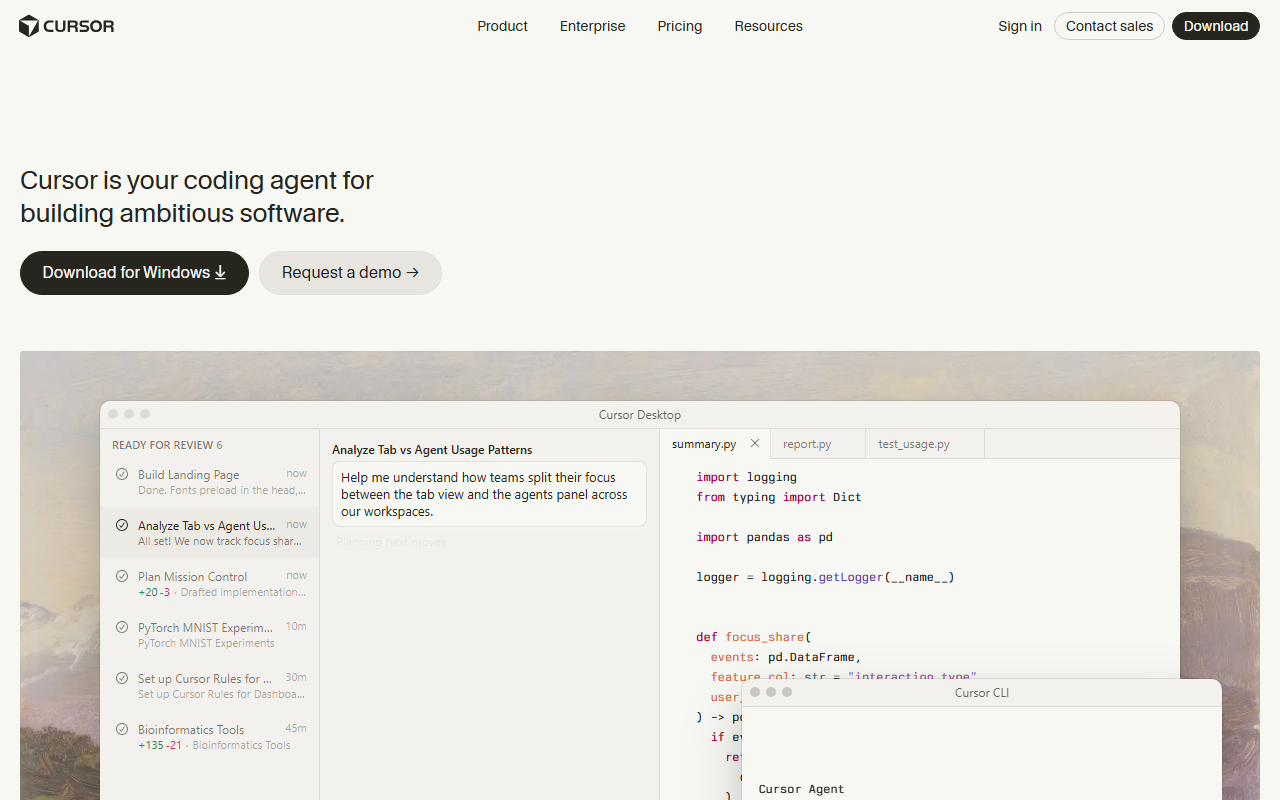
Cursor is the better fit if you want an editor rather than a CLI harness — my Cursor vs Copilot comparison breaks down where it wins. Try Cursor here: Try Cursor →.
If you specifically want to stay in the DeepSeek ecosystem without touching Harness's plugin internals, my how to use DeepSeek and DeepSeek vs ChatGPT guides cover the plain chat and API route, which is far simpler to get running than the harness.
My verdict
DeepSeek Harness developer preview earns points for what it's trying to be: a genuinely open, multi-provider, auditable agent runtime, released free under MIT the same week its V4-Pro models shipped. The session logging alone is worth a look if you build agent tooling for a living. But "developer preview" is accurate — I hit a real, silent failure in the first five minutes of testing, the docs assume prior knowledge, and DeepSeek itself says to expect breaking changes. If you need something that works today, use Claude Code or Cursor. If you want to build the next layer down and don't mind rough edges, DeepSeek Harness is worth the free download.
Frequently Asked Questions
Is DeepSeek Harness developer preview worth it?
It's worth trying if you build agent tooling and want a free, multi-provider, MIT-licensed runtime with strong session logging. It's not worth it yet if you need a stable, ready-to-use tool — DeepSeek itself warns of breaking changes during the preview.
How much does DeepSeek Harness developer preview cost?
The harness is free and MIT-licensed. You only pay for the model traffic it sends — DeepSeek V4 Pro runs $0.435 per million input tokens and $0.87 per million output tokens as of this writing, or you can point it at Claude, GPT, or another provider and pay their rates instead.
What are the best DeepSeek Harness developer preview alternatives?
Claude Code is the closest finished alternative if you want a ready-to-use coding agent without building your own tooling. Cursor is the better pick if you want an AI-native editor instead of a CLI harness.
Is there a free version of DeepSeek Harness developer preview?
Yes — the entire harness is free and open source under the MIT license. There is no paid tier of the harness itself; the only cost is whichever model API you connect it to.