Here's how to use ChatGPT on MacBook the right way: install the official desktop app from OpenAI’s site, sign in (a free account works), and press Option + Space to summon ChatGPT over whatever you're doing. That shortcut is the whole reason the app beats a browser tab — the rest of this guide makes it earn a permanent place in your dock.
Short answer: Install the ChatGPT macOS app from OpenAI's website (Apple Silicon Mac with macOS 14+ required), sign in with any account including free, and use Option+Space to open the launcher anywhere. Add screenshots or files for context, use voice for hands-free work, and connect "Work with Apps" if you code. Intel MacBooks: use chatgpt.com in the browser instead.
I write and test AI tools on a Mac every day, and the desktop app changed how often I actually reach for ChatGPT: a browser tab is something you visit, while Option+Space is a reflex. Below is the honest setup, the four ways to run ChatGPT on a MacBook, and the limits — including the one that catches Intel MacBook owners.
The four ways to run ChatGPT on a Mac
Related: use ChatGPT for free without login.
| Method | Best for | Cost |
|---|---|---|
| Desktop app (OpenAI) | Daily driver — Option+Space, files, voice | Free tier works |
| chatgpt.com in browser | Intel Macs, work machines you can't install on | Free tier works |
| Siri / Apple Intelligence | Quick questions without opening anything | Free (macOS 15.2+) |
| ChatGPT inside coding tools | Programming work | Varies |
The desktop app is the right default for most people. The browser covers everyone else — and if you're weighing whether you even need a paid plan, my guide to using ChatGPT for free covers exactly where the free tier's limits sit.
Step 1 — Install the desktop app (check this requirement first)
- Confirm your Mac qualifies: the app needs Apple Silicon (M1 or newer) and macOS 14 Sonoma or later. Apple menu → About This Mac — if the chip says "Apple M1/M2/M3/M4", you're good.
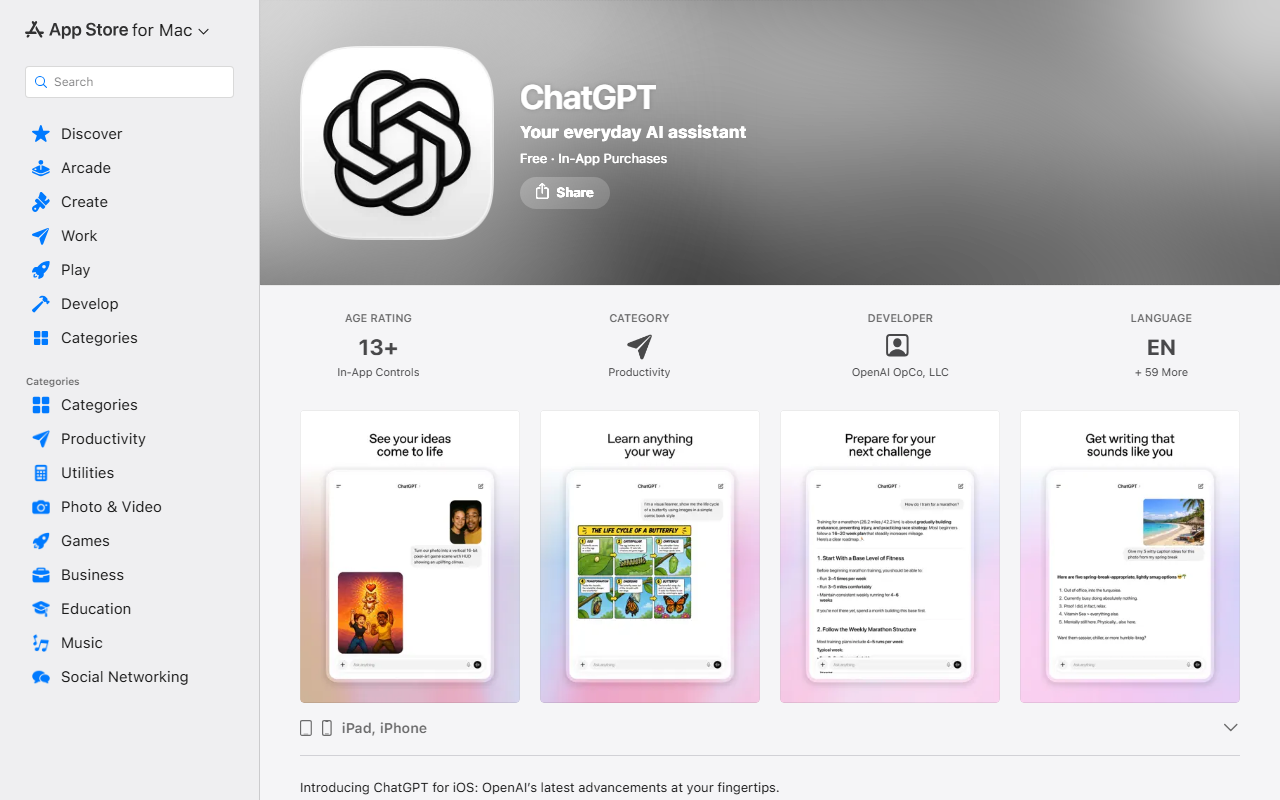
- Download the installer from openai.com/chatgpt/desktop — note that the Mac app ships from OpenAI's own site; the App Store listing you'll find is the iPhone/iPad app.
- Open the
.dmg, drag ChatGPT to Applications, and launch it. - Sign in — free, Plus, Pro, and Team accounts all work.
- When prompted, allow the keyboard shortcut and (optionally) screen-capture permission — that's what powers the screenshot feature.
Intel MacBook? The app won't install, and there's no workaround worth your time. Pin chatgpt.com as a browser web-app instead (in Safari: File → Add to Dock) — you get 90% of the experience, minus the launcher shortcut.
Step 2 — Make Option+Space a habit
Press Option + Space and a compact ChatGPT launcher appears over your current work, like Spotlight. This is the feature that justifies the app:
- Type a question and get the answer without switching windows.
- Click the screenshot button in the launcher to attach any window — "what's wrong with this formula?" while looking at your spreadsheet.
- Drag a file (PDF, image, CSV) straight into the bar to ask about it.
- Press Option+Space again to dismiss it and keep working.
In my testing, the launcher turned ChatGPT from a five-times-a-day tool into a thirty-times-a-day one, precisely because the cost of asking dropped to almost zero. If the shortcut clashes with another app, change it in ChatGPT → Settings → Shortcuts.
Step 3 — Use the Mac-only features
Voice mode. Click the waveform icon and talk instead of typing — genuinely useful for brainstorming while your hands are on something else. Free accounts get standard voice with limits; paid plans get more.
Work with Apps. In Settings, enable "Work with Apps" and ChatGPT can read the content of supported windows — code editors (VS Code, Xcode, Terminal), TextEdit, Notes — so you can say "fix the bug in this file" without pasting anything. It's opt-in per app, which is the right privacy default. If coding is your main use, compare the dedicated options in my ChatGPT alternatives for coding guide — an editor-native assistant beats window-reading for serious work.
Siri hand-off (Apple Intelligence). On macOS 15.2+, enable ChatGPT in System Settings → Apple Intelligence & Siri → Extensions. Siri then routes complex questions to ChatGPT (with your confirmation), and Apple's Writing Tools can use it for compose requests — no OpenAI account required, though signing in lifts the limits.
Agent tasks. The desktop app runs agent mode too — the same task-delegation feature I covered in how to use ChatGPT agents: give it a scoped task and it browses and builds files on its own virtual computer while you keep working on your Mac.
Free vs paid on a MacBook
Everything in this guide works on a free account: the app, Option+Space, screenshots, file uploads, standard voice, and Siri integration. You hit the same message caps as the free web version — a handful of full-model messages per session window before it falls back to a lighter model. Paying for Plus mainly buys higher caps, stronger models, longer memory, and agent-mode allowance. My honest rule from daily use: let the friction decide. If you bump the free cap most days, upgrade; if you don't, keep the $20.
Writers on a Mac, one caveat — if your main use is producing content at volume, a dedicated writing tool with brand-voice training usually beats raw ChatGPT; see my ranked best AI writing tools or the full Jasper review for that decision.
Troubleshooting the common Mac issues
- "App won't open / not supported" — you're on an Intel Mac or macOS 13 or older. Use the browser; there is no supported native path.
- Option+Space does nothing — another app owns the shortcut (often input-source switching). Change either in System Settings → Keyboard → Shortcuts, or reassign ChatGPT's launcher key in its settings.
- Screenshot button greyed out — grant Screen Recording permission: System Settings → Privacy & Security → Screen Recording → enable ChatGPT, then relaunch.
- Work with Apps sees nothing — enable the specific app in ChatGPT's settings and make sure it's the frontmost window.
- Battery drain during voice chats — long voice sessions keep the mic and model streaming; plug in for marathon sessions, it's normal.
- App feels stale after an update — quit fully with Cmd+Q and relaunch; the desktop app applies updates on restart, and a half-applied update is the usual cause of odd launcher behavior.
Three Mac workflows worth stealing
These are the three routines that made the app stick for me, in ascending order of nerdiness:
- The screenshot loop. Anything confusing on screen — an error dialog, a dense settings pane, a chart — gets Option+Space, screenshot, "explain this and tell me what to click." It replaces fifteen minutes of searching with fifteen seconds, and it works on any app because it reads pixels, not code.
- The file drop. Drag a PDF contract, a CSV export, or a screenshot of a receipt into the launcher and ask for the summary, the anomalies, or the totals. The Mac app keeps the conversation attached to the file, so follow-up questions stay in context.
- The dictation draft. Start voice mode, talk through a messy idea for two minutes while making coffee, then say "turn that into a structured outline." Voice-to-outline is the single most underrated feature on the desktop app, and the microphone quality on a MacBook makes it work better than on most phones.
Useful shortcuts while you're in there: Cmd+N starts a new chat in the full app window, Option+Space toggles the launcher, and Esc dismisses it without losing what you typed — it's waiting when you reopen.
My verdict
Knowing how to use ChatGPT on a MacBook well comes down to three moves: install the desktop app (Apple Silicon), wire Option+Space into muscle memory, and turn on Work with Apps if you write code. Those three take ten minutes and change ChatGPT from a website you visit into a layer of the operating system. The free tier is enough to live with all of it — upgrade only when the caps actually annoy you.
Frequently Asked Questions
Is there an official ChatGPT app for Mac?
Yes — OpenAI ships an official macOS desktop app, downloaded from openai.com/chatgpt/desktop (not the Mac App Store). It requires an Apple Silicon Mac (M1 or newer) running macOS 14+. The App Store listing is the iPhone/iPad version.
Is the ChatGPT Mac app free?
Yes. The app itself is free and works with a free OpenAI account, including Option+Space, screenshots, file uploads, and standard voice mode. Paid plans raise the message caps and unlock the stronger models and agent allowance.
Why won't ChatGPT install on my MacBook?
Almost always: an Intel processor or macOS 13 or older. The desktop app requires Apple Silicon (M1/M2/M3/M4) and macOS 14 Sonoma or later. On Intel Macs, use chatgpt.com in the browser — you keep everything except the launcher shortcut and Work with Apps.
What is the ChatGPT keyboard shortcut on Mac?
Option + Space opens the compact launcher over whatever you're working on — ask a question, attach a screenshot, or drag in a file without switching windows. You can remap it in the app's settings if it conflicts with another shortcut.