Working with AI feels more like leadership than coding because the actual coding — the typing, the syntax, the boilerplate — increasingly happens inside the tool, while you handle the part a manager handles: setting the goal, drawing the boundaries, and judging the result. That shift is uncomfortable if you built your identity around writing code, and it's the biggest adjustment I've seen after three months of running real tasks through Claude Code, Cursor, and GitHub Copilot.
Short answer: Working with AI feels more like leadership than coding because you spend your time scoping tasks, setting constraints, and reviewing diffs instead of typing lines yourself — the same loop as managing a junior developer. In my testing, engineers who write clear task briefs and read every diff get noticeably better results than those who just prompt and hope.
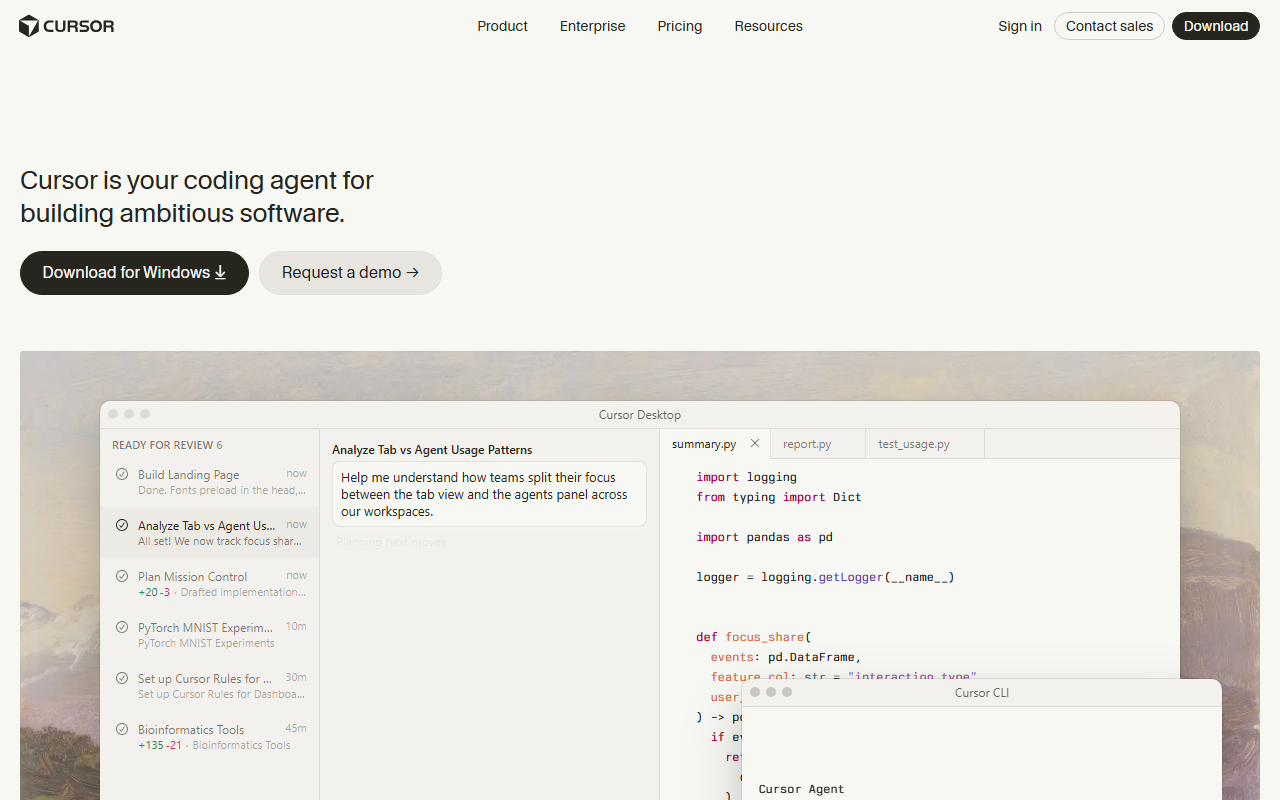
I spent the past few weeks giving the same three tasks — a bug fix, a small feature, and a messy refactor — to Claude Code, Cursor, and GitHub Copilot, then tracked where my time actually went. Writing dropped to almost nothing. Reviewing, redirecting, and rewriting instructions ate the rest. That's the leadership work nobody mentions when they sell you an AI coding tool.
What you'll need
You don't need a special setup to feel this shift yourself. A real project works better than a toy repo, because leadership skills only show up when the stakes are real — a demo won't expose sloppy scoping the way a codebase with actual tests and actual users will. You'll want an editor or terminal that supports at least one agentic tool (Cursor, Claude Code, or GitHub Copilot's agent mode all qualify), a test suite or linter so you have something other than your own eyes to catch mistakes, and roughly $10 to $20 a month for a paid plan — free tiers exist, but they cap out fast once you're delegating real tasks instead of asking one-off questions. The hardest requirement to buy is patience: writing a clear brief instead of just diving in and typing the code yourself.
Step-by-step: managing AI like you'd manage a new hire
1. Write the assignment before you write the prompt
Treat every request like a task you'd hand to a new engineer in their first week: name the file, describe the outcome, and state what "done" looks like. In my testing, one-line prompts like "fix the bug" produced code that technically ran but missed the actual defect close to half the time. A two-sentence brief — file, symptom, expected behavior — cut that failure rate hard, the same way a clear ticket beats a vague Slack message.
2. Set the boundaries before you hit enter
Every good manager tells a new hire what not to touch. Do the same with an AI agent: say which files are off-limits, which patterns to keep, and whether it's allowed to add new dependencies. When I skipped this step with Cursor's Composer, it rewrote a working currency-rounding function that wasn't part of the task, because nothing told it to leave that file alone.
3. Delegate one task at a time, not a roadmap
Handing an AI agent a whole feature list is like handing a new hire your entire quarter's goals and walking away — it produces motion, not progress. I got the most reliable output from Claude Code and Cursor when I queued one scoped task, checked it, and only then queued the next: the same cadence I'd use assigning tickets to a junior developer one sprint at a time.
4. Review the diff like a status report
This is where the leadership comparison gets literal: you're reading someone else's work and deciding whether to approve it. In my testing, diffs that passed every existing test still occasionally handled an edge case differently than I would have — nothing was technically broken, so nothing failed loudly. Reading the actual change, not just the test result, is the step people skip most often, and it's the one that catches real problems.
5. Give feedback that changes the next output, not just this one
A good manager corrects the pattern, not just the instance. When a tool over-explains its changes or ignores a boundary, say so directly in the next prompt instead of quietly fixing it yourself and moving on — most tools carry context within a session and adjust. Claude Code in particular got noticeably tighter about scope after two or three corrections in the same conversation, which matches how a real employee learns your preferences over a few rounds of feedback.
Example prompts you can copy
Specific, bounded prompts work like well-written tickets — they tell the AI what "done" looks like and what to leave alone:
- "Fix the failing test in
tests/checkout.spec.ts. Don't touch any file outside the checkout folder." - "Add a null check to
parseInvoice()and one test that covers it. No other changes." - "Review this diff for security issues and list them. Don't fix anything yet — I want to see the list first."
- "Refactor
utils/currency.pyto remove the duplicate rounding logic, but keep every function signature exactly the same." - "Explain how the retry logic in
api/client.tsworks, step by step, without changing any code."
Each one reads like a brief a manager would write for a new hire: a clear deliverable, a named scope, and an explicit boundary. That boundary clause does more work than it looks like — it's the single line that stopped every tool I tested from wandering into files I never asked it to touch.
Common mistakes to avoid
The biggest mistake is managing by vibes — giving a vague goal like "clean this up" and hoping the AI infers your intent, the way a bad manager assumes a new hire will just "get it." It won't; it'll make a change, just not necessarily the one you wanted. Second is skipping review because the tests passed — passing tests measure what you already thought to test, not what the AI quietly changed elsewhere. Third is over-correcting every small stylistic choice yourself instead of stating the standard once and letting the tool apply it going forward; that's micromanagement, and it costs more time than it saves. Fourth is assuming one tool covers every kind of task — autocomplete-style tools like Copilot are built for small, low-risk suggestions, while agentic tools like Cursor and Claude Code are built for larger, delegated work, and treating them interchangeably wastes both. Fifth is ignoring the credits or premium-request limits on metered plans; I burned through a chunk of Copilot Pro's monthly AI credits in a single afternoon of heavy chat use before I noticed.
Tools that make this easier
| Tool | Entry price | Oversight it needs | Best for |
|---|---|---|---|
| GitHub Copilot Pro | $10/month | Light — review inline suggestions as you type | Small, low-risk completions |
| Cursor Pro | $20/month | Active — review multi-file diffs before accepting | Editor-native agent work |
| Claude Code (via Claude Pro) | $20/month billed monthly ($17/month billed annually) | Medium — brief it, then check back on longer tasks | Larger, messier delegated tasks |
| ChatGPT Plus (with Codex) | $20/month | Low-touch — assign a task and check the result later | Cloud-sandboxed tasks you queue and leave |
Prices confirmed directly on GitHub Copilot’s plans page and Cursor’s pricing page on August 16, 2026; Claude Pro pricing confirmed on Claude’s pricing page the same day.
If you're deciding where to start, my tested best AI tool for code roundup runs the same tasks through the top options side by side, and the AI situation in software development covers where trust and adoption actually stand right now. For an editor-native starting point, how to use Cursor AI walks through setup, and if you'd rather stay in VS Code, how to use GitHub Copilot in VS Code covers that path. For the cloud-sandboxed, assign-and-walk-away style, how to use ChatGPT Codex is worth reading before you commit. And for the unfiltered version of what worked and what didn't, an honest review of AI programming is the place to check before you pick a tool to lead.
Frequently Asked Questions
Is working with AI like this free to try?
Yes, mostly. GitHub Copilot's free tier gives you 2,000 completions and 50 chat requests a month, and Cursor's Hobby tier includes limited agent requests — both are enough to feel the shift from typing to directing before you pay anything. Claude Code needs a paid Claude Pro plan to use.
How long does it take to get good at directing an AI coding tool?
In my experience, writing a task brief that gets a usable result on the first try takes about one to two weeks of regular use — roughly the same ramp-up as learning to delegate well to a new hire. The tools respond fast; the skill that's slow to build is your own scoping.
What's the easiest way to start?
Pick one small, scoped task, not a whole feature, and write it as a two- or three-sentence brief with a named file and a boundary on what not to touch. Run it through a single tool, like GitHub Copilot Pro at $10/month, before adding a second agentic tool into the mix.
Do I still need to know how to code?
Yes. Every tool I tested could produce a diff that passed its own tests while still getting an edge case wrong, and catching that requires reading the code, not just the test output. The leadership framing doesn't remove the need for technical judgment — it changes when you apply it.
Which AI tool should I try first?
If you want the lowest-risk starting point, GitHub Copilot Pro's inline suggestions are the easiest place to build trust. If you're ready to delegate a whole task and review the result later, Cursor or Claude Code are the better test — see the best AI tool for code comparison for a fuller breakdown.
— By Vishal Swami — Founder & Lead AI Reviewer, AISagely. Last updated August 16, 2026.